With any premium package vendors are given a set number of tags that can be used to display their business listing in the Local Vendors section of the market listing.
To add a tag just search for the market you want to have our vendor listing shown under and scroll down to the Local Vendors section.
If you are logged in as a vendor you will see the following which will indicate how many tags you have, used and left.
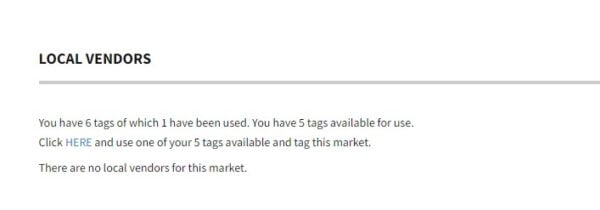
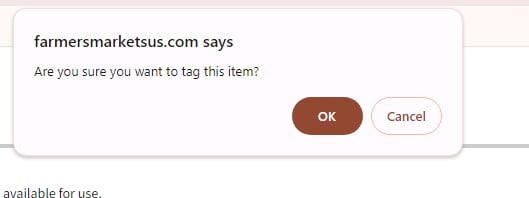
Click the link title HERE and you will see the following popup asking you to confirm you want to use one of your tags on this market. If you don’t see a popup please make sure you don’t have a popup blocker turned on.
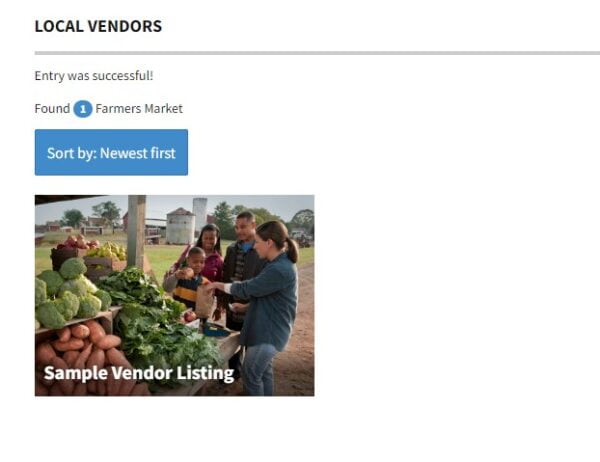
Once you have clicked OK the page will refresh and you will now see your listing in the Local Vendors section.
If you have questions or need help please contact on our Contact Us page.
Happy Tagging!